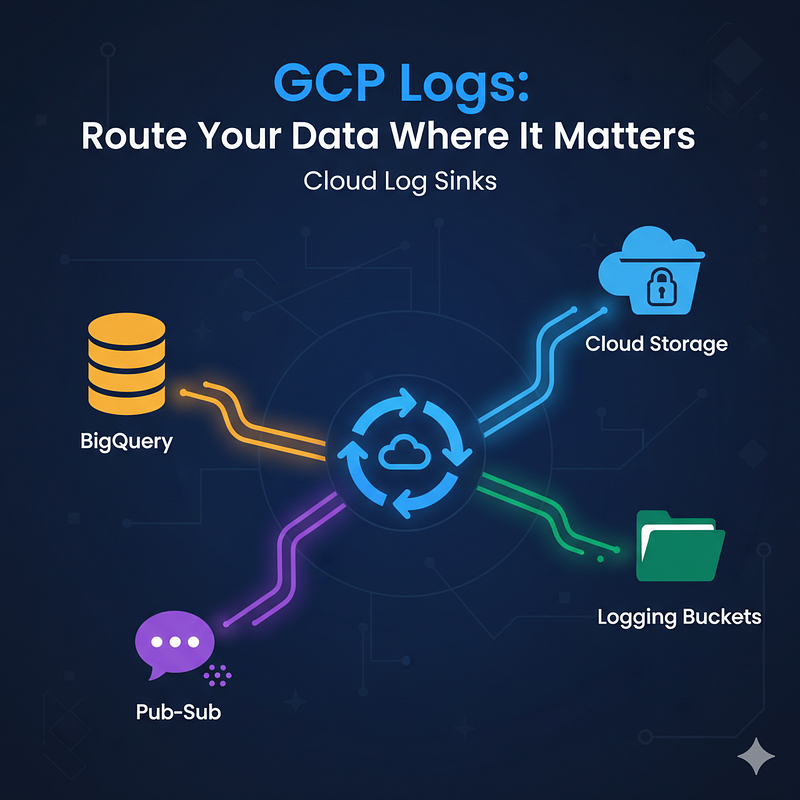
Choose the right destination for Google Cloud Logs
Route Your Data Where It Matters with Cloud Log Sinks
Log sinks are your essential tool for controlling where your Google Cloud logs go. They offer several powerful destination options to fit different needs, from long-term storage to real-time analysis.
Here are the primary destinations you can choose for a GCP Cloud Log Sink:
- Cloud Logging Bucket
Why Use It?: Centralization & Retention
Use this to move logs from one project to a central project’s log bucket, or to apply custom retention policies that differ from the default settings.
Format: Logs are stored in the Cloud Logging format. - BigQuery Dataset
Why Use It?: Data Analysis & Business Intelligence
Best for running powerful SQL queries on your log data. You can easily analyze trends, costs, and resource usage.
Format: Logs are structured as BigQuery tables. - Cloud Storage Bucket
Why Use It?: Archival & Compliance
This is the most cost-effective solution for long-term storage and meeting compliance requirements (e.g., storing audit logs for 7 years).
Format: Logs are exported as JSON files. - Pub/Sub Topic
Why Use It?: Real-time Streaming & Third-Party Tools
Use this for real-time log processing. You can stream logs to a custom application, a different cloud provider, or a third-party Security Information and Event Management (SIEM) tool like Splunk.
Format: Logs are streamed as Pub/Sub messages. - Google Cloud Project
Why Use It?: Project-to-Project Routing
This lets you route logs to a different Google Cloud project. This is often used for creating Aggregated Sinks at the Folder or Organization level to enforce central log management.
Format: The log entries are ingested into the destination project’s Log Router.
Quick Guide on Choosing a Destination:
- Need to query logs with SQL? → BigQuery
- Need cheap, long-term storage for compliance? → Cloud Storage
- Need real-time processing or sending to a third party? → Pub/Sub
- Need to consolidate logs from many projects? → Cloud Logging Bucket or Google Cloud Project
The choice depends on whether you prioritize cost-effective archival, real-time alerting, or deep-dive log analytics.
For a visual guide on these destinations and a step-by-step example, check out this YouTube Video: How to create log sinks.
Disclaimer: This post may contain affiliate links. If you click and buy, we may receive a small commission at no extra cost to you. Read our full disclosure here.