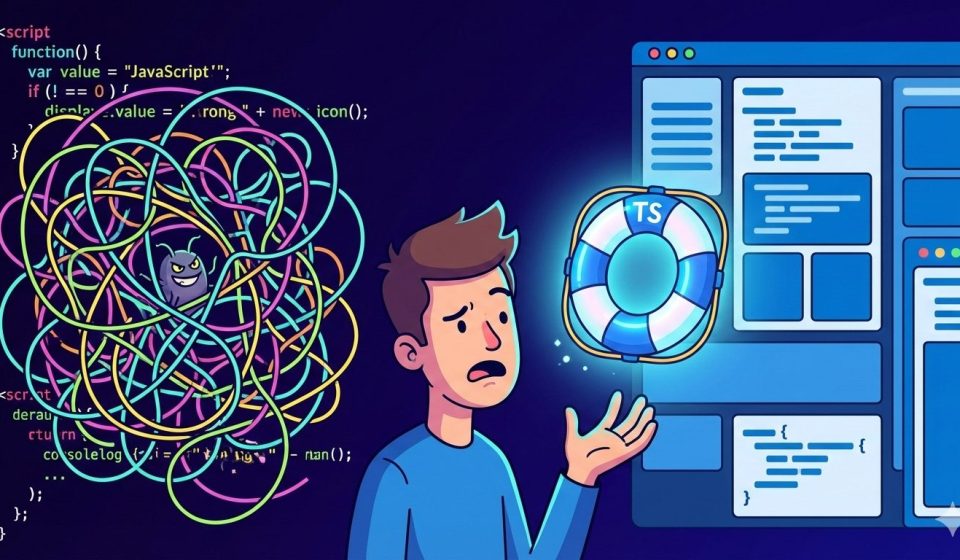
Why TypeScript is a Literal Life Saver
A Tale of “Empty” Disasters
Table of Contents
We’ve all heard the hype: “TypeScript makes your code safer.” “TypeScript is just JavaScript with adult supervision.” But if you’re working deep in a legacy JavaScript codebase, you might think, “We’re doing just fine without it.”
Until you aren’t.
I recently ran into a bug in a legacy JS project that reminded me exactly why TypeScript isn’t just a “nice-to-have” — it’s a shield against the chaos of the web.
The Mystery of the “Phantom” Zero
The project involved fetching data from an external source and storing it in a database. Because the source was a bit unpredictable, the DB column was set to VARCHAR.
Everything worked perfectly for the “happy path.” But then, a corner case crawled out of the shadows: The Empty String.
In the code, the logic looked something like this:
- Fetch the value.
- Check if it’s
nullorundefined. - If it’s not, cast it using
Number(value). - Use that number in a calculation (division).
The developer (rightfully) wanted a fallback if the data was missing. But they forgot one tiny, annoying thing about JavaScript: Number("") is 0.
The Calculation Trap
Because the code didn’t check for a blank string (""), the empty value bypassed the “null/undefined” check. It was cast to 0, fed into a division formula, and suddenly, the business logic was spitting out zeros where it should have been using a fallback value.
In a massive codebase, tracking down why a calculation is “silently” failing is like finding a needle in a haystack of needles.
In the old JavaScript way, you’re basically playing a game of “Trust Me, Bro” with your data. In TypeScript, you’re writing a contract.
The Problem: The “Silent Fail” (JavaScript)
In your legacy JS code, the logic likely looked like this:
function calculateRate(inputValue) {
  // Only checking for null/undefined
  const value = (inputValue === null || inputValue === undefined) ? 10 : Number(inputValue);

  // If inputValue was "", value is now 0.
  // 100 / 0 = Infinity (or logic breaks)
  return 100 / value;
}
The Solution: Type-Safe Logic (TypeScript)
With TypeScript, we can use Type Guards and stricter checks to ensure that “empty” really means “empty.”
Here’s how you’d refactor that to be bulletproof:
// 1. Define a strict type for your input
type ExternalData = string | number | null | undefined;

function getSafeCalculation(inputValue: ExternalData): number {
  const fallbackValue = 10;
  // 2. TypeScript encourages checking for all falsy values
  // or specifically handling the empty string.
  if (!inputValue || inputValue === "") {
    return 100 / fallbackValue;
  }
  // 3. We convert to Number only after we know it's a valid, non-empty string
  const numericValue = Number(inputValue);
  // 4. One last safety check: Is it actually a number?
  if (isNaN(numericValue) || numericValue === 0) {
    return 100 / fallbackValue;
  }
  return 100 / numericValue;
}
The Lesson: JavaScript is great because it lets you move fast. TypeScript is better because it ensures you don’t crash while doing it.
How TypeScript Saves the Day
If this had been a TypeScript project, that bug would likely have been dead on arrival. Here is how it changes the game:
- Intellisense: As you type
inputValue., TypeScript reminds you that it might benull, so you can’t just call methods on it. - NaN Protection: By forcing you to think about the type conversion, you’re more likely to catch the fact that
Number("")is0andNumber("abc")isNaN. - Refactoring Confidence: If the Database schema changes later from
VARCHARtoINT, you change the type in one place, and TypeScript will highlight every single line of code that needs to be updated.
Stop Validating, Start Typing
Moving to TypeScript doesn’t mean rewriting your whole app overnight. You can start small. But as this “empty string” saga shows, the time you spend setting up types is significantly less than the time you’ll spend debugging a “0” that shouldn’t exist.
Disclaimer: This post may contain affiliate links. If you click and buy, we may receive a small commission at no extra cost to you. Read our full disclosure here.